We bring the hardware, the network and the streaming
A camera in a box still needs someone to mount it, connect it and keep it running. We supply and install the whole system and run it for the length of the project, and we are local when something needs attention.
What goes on site
- 4MP weatherproof IP cameras, mounted where the view holds up for the whole build
- A wireless point-to-point bridge, so cameras can sit where the view is best rather than where the internet connection is
- Outdoor network switches in weatherproof enclosures
- An on-site recorder with 8 TB of storage, so footage is kept on site as well as streamed
Live feed
The cameras stream through a cloud video service, so your team, owners and stakeholders can watch the site live in any web browser or on a phone. Make the feed public, embedded on your project or company website, or password-protected so only your team and client can see it.
Timelapse
While the live feed runs, the on-site recorder keeps the footage. At the end of the job we edit the footage into a finished timelapse film: months of work in a minute or two, ready for the ribbon cutting, the website and social media.
Power and internet: yours or ours
- Site power and internet, such as at the job trailer: our wireless bridge carries the camera signal to it
- No internet on site yet: we add a cellular connection
- No power where the cameras need to be: we add solar power
Tell us what the site has and we plan the cameras, recorder and connection around it, so the cameras can go up before the utilities do.
How it works
- Site plan: we walk the site with you and pick camera positions, power points and a network path that hold up for the full build.
- Install: we mount the cameras, set up the bridge, switches and recorder, connect them to site power and internet (or our cellular and solar setup), and confirm the live feed before we leave.
- Stream and record: the live feed runs while footage records on site for the timelapse.
- Deliver: a finished timelapse film at the end of the job.
Add an aerial timelapse from above
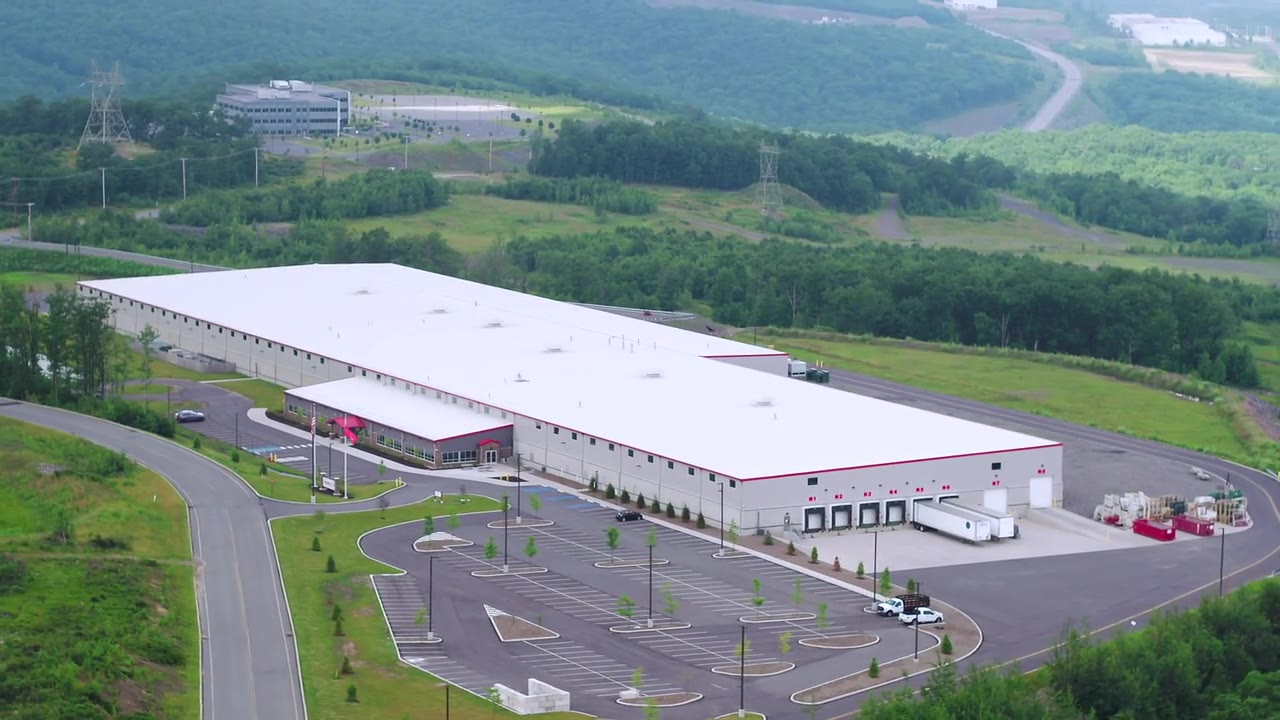
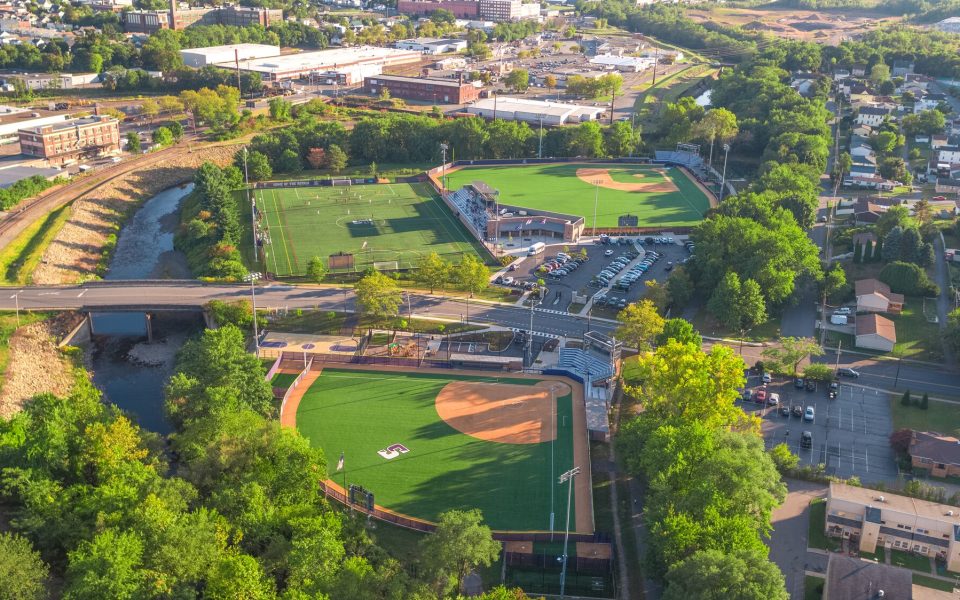
A fixed camera shows one view, all the time. Add scheduled drone flights and you also get the whole site from above. We fly the same overhead mapping and oblique positions on every visit, then cut the dated images into an aerial timelapse that shows the entire site progressing, from bare ground to finished building.
- Overhead maps on a schedule, lined up visit to visit
- Oblique aerial views from the same angles each flight
- A dated aerial progression video at closeout, alongside the ground-level timelapse
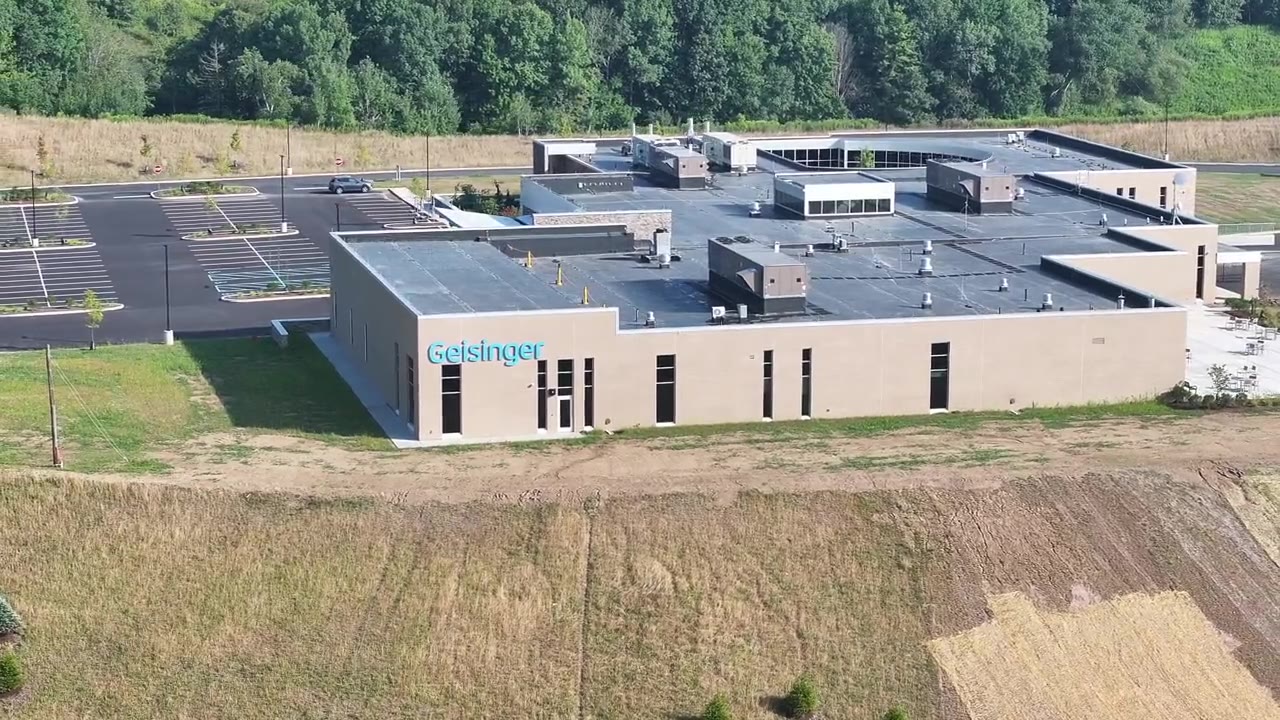
Together they give you the complete record, as on the Geisinger Cancer Center in Dickson City, where we ran live stream, timelapse, drone progress flights and mapping on one project. See construction progress flights for how the drone side works.
Questions
Do you supply the cameras?
Yes. We supply, install and run the cameras, network equipment, recorder and streaming for the length of the project.
What do we provide?
Access to the site for the install. If the site has power and an internet connection, we use them. Everything else, from cameras and network gear to the recorder and streaming, comes from us.
What if the site has no power or internet?
We add a cellular connection and solar power, so the cameras can go up before the utilities arrive.
Does the internet connection have to be at the camera?
No. A wireless point-to-point bridge carries the signal from the cameras to wherever the site’s internet connection is, such as the job trailer. We plan the link during the site visit.
Who can watch the live feed?
Your choice. The feed can be public, for example embedded on your website for the community, or password-protected so only your team and client can watch.
Can we add drone flights to a camera package?
Yes. Many projects pair fixed cameras with scheduled drone flights, so you get the live view, the ground-level timelapse and an aerial progression of the whole site from one team.
What happens if the internet goes down?
The on-site recorder keeps recording, so the footage for the timelapse is not lost while the connection is restored.